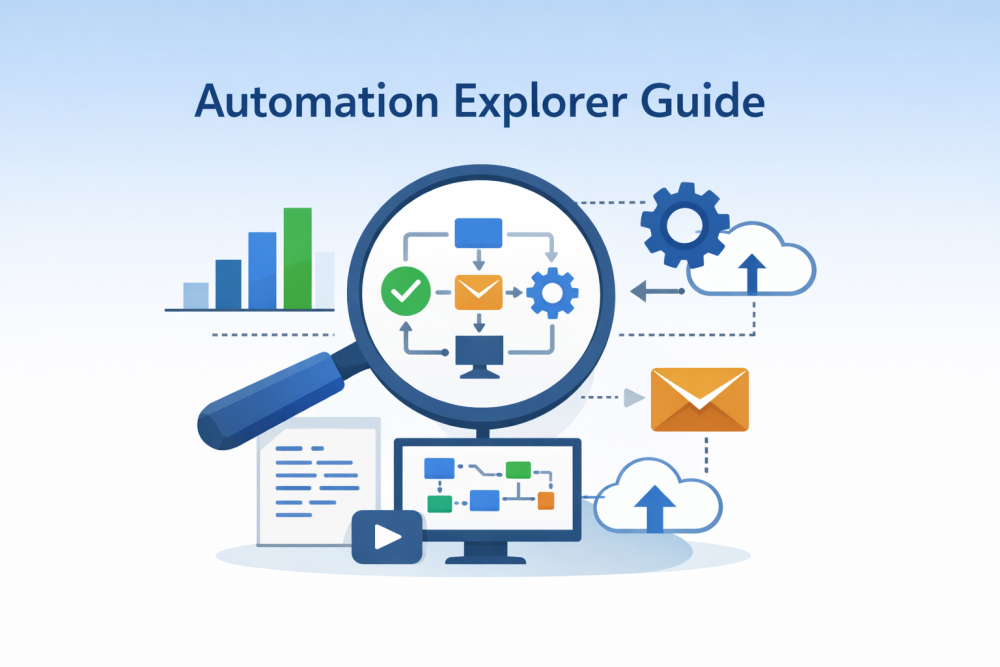
Automation is no longer optional. In 2026, businesses that scale efficiently rely on automation explorers—tools and platforms that help you discover, visualize, and implement automation workflows across marketing, operations, and data systems.
Automation Explorer refers to a category of software that allows users to explore automation possibilities, understand workflow dependencies, and deploy automated processes using low-code or no-code approaches.
This guide goes beyond definitions. You’ll learn what an automation explorer is, how it works, real-world use cases, and how it compares with popular automation tools—all in one place.
Related Blogs:
What Is Automation Explorer? (Direct Answer)
Automation Explorer is a workflow discovery and orchestration tool that helps users identify, design, and manage automated processes across multiple applications, systems, or data sources.
Depending on the industry, it may be used for:
- Marketing & SEO automation (campaigns, reporting, lead flows)
- Business process automation (CRM, finance, HR)
- Technical workflows (APIs, data pipelines)
- Laboratory automation (scientific instrumentation & sample tracking)
This article primarily focuses on SEO, marketing, and business automation use cases, which dominate search intent in 2026.
How an Automation Explorer Works (Step-by-Step)

At its core, an automation explorer acts as a map + control panel for automation.
1. Workflow Discovery
- Identifies repetitive tasks (manual reports, lead syncing, alerts)
- Shows automation opportunities across tools (CRM, email, analytics)
2. Visual Workflow Design
- Drag-and-drop workflow orchestration
- Clear triggers → actions → conditions
- No heavy coding required
3. Integration & Middleware Layer
- Connects multiple platforms via APIs
- Acts as middleware between apps
- Ensures reliable data synchronization
4. Monitoring & Optimization
- Logs automation runs
- Flags failures and bottlenecks
- Helps refine workflows over time
Key Features of a Modern Automation Explorer

A robust automation explorer in 2026 typically includes:
Workflow Orchestration
Centralized control of complex, multi-step automations across tools.
Robotic Process Automation (RPA)
Automates rule-based tasks such as:
- Data entry
- File handling
- Scheduled reporting
Low-Code / No-Code Builder
Designed for marketers, analysts, and operations teams—not just developers.
API & Webhook Support
Advanced users can:
- Trigger workflows via APIs
- Sync real-time data
- Build custom integrations
Data Synchronization
Keeps data consistent across:
- CRM systems
- Analytics platforms
- Email and ad platforms
Real-World Use Cases of Automation Explorer

1. SEO & Marketing Automation
- Auto-generate weekly SEO reports
- Sync leads from landing pages to CRM
- Trigger email campaigns based on user behavior
2. Sales & CRM Operations
- Automatically assign leads
- Update deal stages
- Notify sales teams in real time
3. Data & Analytics Pipelines
- Pull data from multiple sources
- Clean and transform datasets
- Push insights to dashboards
4. Scientific & Lab Automation (Secondary Intent)
In lab environments, automation explorers help:
- Track samples
- Control instruments
- Maintain compliance logs
Automation Explorer vs Zapier vs Make (Comparison)
| Feature | Automation Explorer | Zapier | Make |
|---|---|---|---|
| Workflow Visualization | Advanced | Basic | Advanced |
| Automation Discovery | Yes | No | Limited |
| Low-Code Builder | Yes | Yes | Yes |
| Complex Logic Handling | Strong | Moderate | Strong |
| Best For | Scaling & orchestration | Simple task automation | Visual power users |
Key Insight:
Zapier is great for quick automations.
Make is ideal for visual builders.
Automation Explorers shine when workflows become complex and interconnected.
Is Automation Explorer Free?
Most automation explorer platforms use tiered pricing:
- Free plans: Limited workflows or runs
- Paid plans: Advanced orchestration, APIs, team access
- Enterprise plans: Compliance, SLAs, custom integrations
For SEO and marketing teams, paid plans often become cost-effective once manual work exceeds a few hours per week.
Best Practices for Using Automation Explorer Effectively

- Start with one repetitive workflow
- Document triggers and dependencies clearly
- Use naming conventions for workflows
- Monitor failures and retries
- Scale gradually—don’t automate chaos
Final Thoughts
Automation Explorer is not just a tool—it’s a strategic layer that helps businesses understand what to automate, how to automate it, and how to scale automation safely.
As workflows become more complex in 2026, automation explorers are becoming essential for SEO professionals, marketers, operations teams, and data engineers alike.