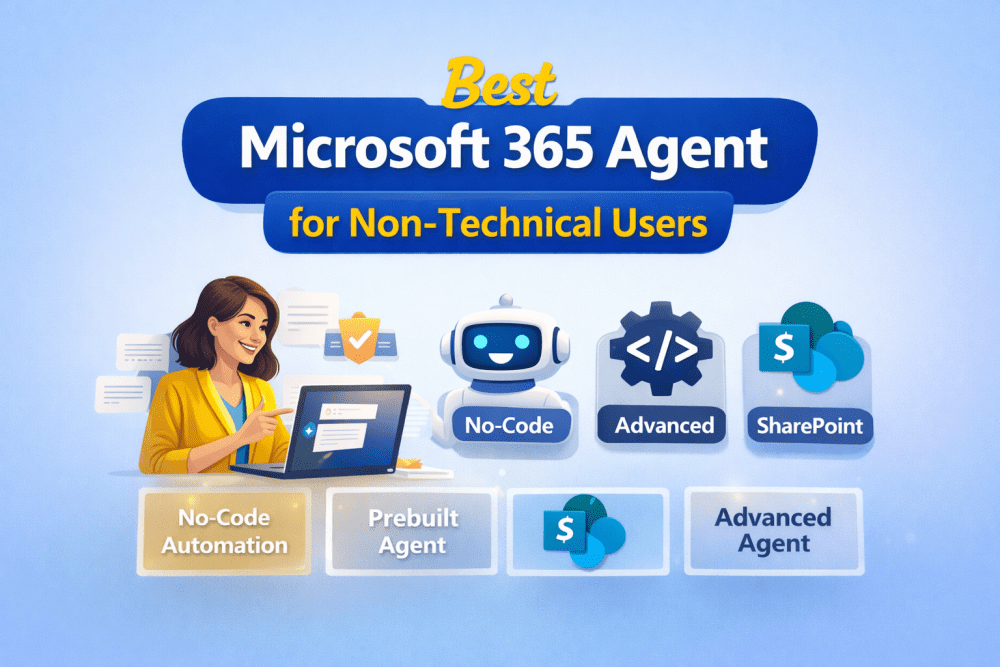
In 2026, Microsoft 365 AI agents have evolved into structured categories designed for different skill levels. If you are a non-technical business user looking to automate simple tasks — approvals, reminders, FAQ responses, document summaries — choosing the right agent type is critical.
The clear winner for simple, no-code automation is the Everyday Business User Agent (also called a Declarative Agent).
This article explains why — and how it compares with Prebuilt Agents, Ready-made SharePoint Site Agents, and Advanced Agents inside Microsoft 365 and Microsoft 365 Copilot.
Related blogs:
What Is an Everyday Business User Agent?

An Everyday Business User Agent is a no-code AI agent designed for “makers” — users who understand business workflows but do not write code.
These agents allow you to:
- Use natural language to define instructions
- Connect to SharePoint folders or documents
- Automate simple triggers (e.g., “Summarize new files every Monday”)
- Create internal FAQ assistants
They can be built inside Microsoft Copilot Studio or directly within the Copilot interface.
Why It’s Ideal for Non-Technical Users
- No coding required
- Uses conversational prompts
- Safe enterprise data grounding
- Fast deployment (minutes, not weeks)
If your goal is simple automation for business users, this is the optimal category.
Comparing the 4 Microsoft 365 Agent Types (2026)
1️⃣ Everyday Business User Agent (Declarative Agent)
Skill Level: No-code
Best For: Personal and team task automation
Examples:
- HR policy FAQ bot
- Sales meeting summary assistant
- Weekly report automation
This is the “sweet spot” between power and simplicity.
2️⃣ Prebuilt Agent

Skill Level: None
Best For: Instant productivity use cases
Prebuilt agents come ready-made by Microsoft. Examples include research assistants or planning helpers integrated across apps.
Pros:
- Instant usage
- Zero setup
Limitations:
- Limited customization
- Fixed capabilities
Good for quick wins — not flexible automation.
3️⃣ Ready-Made SharePoint Site Agent
Skill Level: None
Best For: Site-specific information retrieval
These agents are grounded in a specific SharePoint site and help users find information quickly.
Ideal for:
- Policy retrieval
- Project documentation lookup
- Knowledge base search
However, they are mostly informational — not action-oriented. They answer questions but don’t automate workflows extensively.
4️⃣ Advanced Agent

Skill Level: Low-code to technical
Best For: Complex workflows and integrations
Advanced agents require deeper experience in:
- API integrations
- Logic branching
- External system connections
These are built in Microsoft Copilot Studio with extended capabilities.
Not recommended for non-technical beginners.
Quick Comparison Table
| Agent Type | Skill Level | Best For |
|---|---|---|
| Everyday Business User | No-code | Personal & team automation |
| Prebuilt | None | Instant productivity tasks |
| SharePoint Site | None | Information retrieval |
| Advanced | Low-code | Complex workflows & integrations |
Why the Everyday Business User Agent Wins
1. Describe-It-to-Build-It Interface
You simply explain what you want:
“Create an agent that summarizes new HR documents weekly.”
The system generates the logic.
2. Built-In Knowledge Grounding
Connect to SharePoint libraries without configuring APIs.
3. Enterprise Data Protection
Runs within Microsoft’s secure tenant environment.
4. Practical Automation
Automate reminders, summaries, document analysis, and internal support queries.
For automating tasks in Microsoft 365 for non-technical users, this agent category delivers maximum value with minimum complexity.
FAQ
What is the difference between an Advanced Agent and an Everyday Business User Agent?
Advanced agents require low-code logic and external integrations. Everyday Business User Agents rely on natural language instructions and internal data sources.
Can non-technical users build agents in SharePoint?
Yes. Ready-made SharePoint Site Agents require no coding. However, for automation (not just retrieval), Everyday Business User Agents are better.
How do you create a simple agent in Microsoft 365 Copilot?
- Open Copilot Studio or Copilot Chat
- Select “Create Agent”
- Define instructions in natural language
- Connect relevant SharePoint folders
- Test and publish
Final Verdict
If you are a business professional without coding experience and want to automate simple tasks in Microsoft 365:
Choose the Everyday Business User Agent.
It balances:
- Ease of use
- Customization
- Security
- Real automation capability
Prebuilt and SharePoint agents are helpful, but they are limited. Advanced agents are powerful — but unnecessary for simple business automation.
For 2026, the Everyday Business User Agent remains the most practical and scalable option for non-technical users.