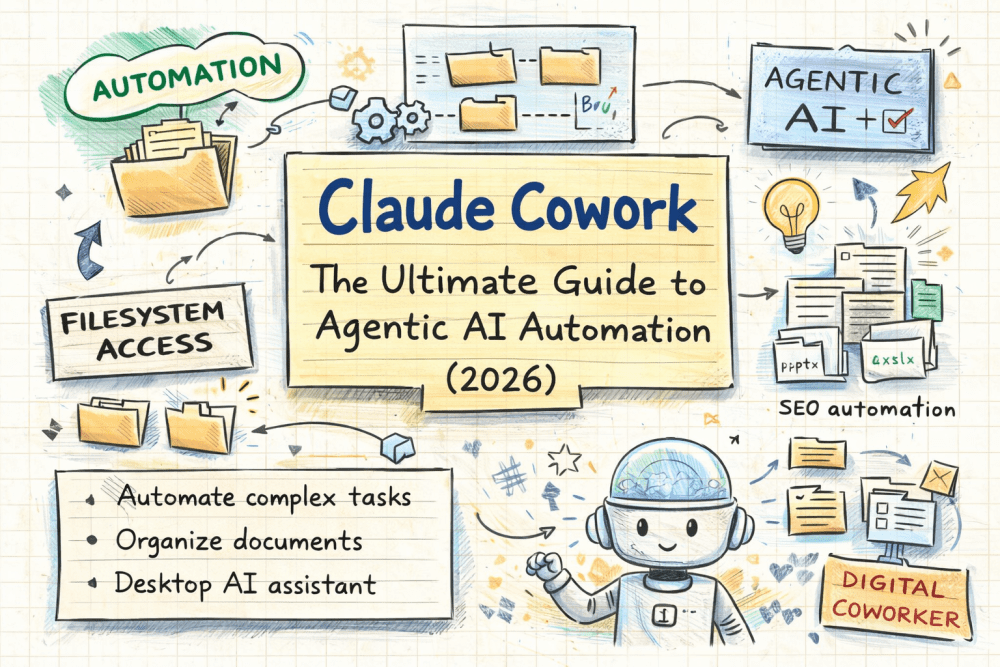

Claude Cowork introduces a new way to work with AI—one that focuses on execution rather than conversation. Instead of behaving like a typical chatbot, this agentic workspace functions as a digital coworker. It reads files, organizes folders, and completes structured tasks with minimal guidance. Anthropic released it as a research preview for professionals who want practical automation without coding.
In this guide, you will see how this cowork mode operates, what sets it apart, and where it delivers the most value in real workflows.
Related Posts:
What Is Claude Cowork?

Claude Cowork works as a desktop-based agentic AI environment. Rather than answering one-off prompts, it actively interacts with approved folders on your system. Because of this design, it can manage tasks that usually require several tools.
In everyday use, the system can:
- Read and understand files
- Create, edit, and reorganize documents
- Keep context across folders
- Complete multi-step tasks independently
In short, it delivers advanced automation in a format that non-technical users can adopt easily.
Why This Agentic Workspace Is Different from Chatbots

Traditional chatbots react to prompts. They wait for instructions and respond line by line. In contrast, this cowork system follows goals.
Instead of only answering questions, it:
- Moves through directory structures
- Tracks progress across files
- Finishes longer workflows without repeated input
As a result, it behaves less like a chat interface and more like a task-focused assistant that understands outcomes.
Key Features of the Cowork Mode

Filesystem Access
The system reads and writes files inside approved folders. This ability allows it to organize documents, update content, and manage structured data directly.
Parallel Task Handling
When you assign a large objective, the system breaks it into smaller steps and works on them in parallel. Consequently, complex tasks finish faster and with less manual effort.
Professional Outputs
The cowork mode creates usable files such as spreadsheets, presentations, and documentation. These outputs arrive ready for use rather than rough drafts.
Cowork Desktop Tool vs. Claude Code

| Feature | Cowork Desktop Tool | Claude Code |
|---|---|---|
| Interface | Desktop UI | Command line |
| Target users | Non-coders and professionals | Developers |
| Filesystem interaction | Yes | Yes |
| Setup effort | Low | High |
| Automation style | Visual and task-based | Script-based |
Although both tools share the same core intelligence, the desktop tool removes technical friction. Therefore, it makes automation far more approachable.
Using the Cowork System for SEO Automation

SEO automation stands out as one of the most practical use cases.
For example, a typical workflow looks like this:
- Place raw keyword exports into a dedicated folder
- Ask the system to clean, group, and label the data
- Receive structured spreadsheets organized by intent
Because the system understands folder context, it keeps results consistent across multiple datasets. As a result, repetitive SEO work becomes faster and more reliable.
Safety, Limits, and Availability

Currently, Anthropic offers this cowork environment as a research preview. It runs on macOS and remains limited to Pro and Max plans. In addition, strict safety controls guide how the system accesses files and executes tasks.
These limits help ensure responsible use while the platform continues to mature.
When Should You Use This Cowork Mode?

This approach fits best if you:
- Work daily with folders and documents
- Handle repeatable, structured tasks
- Want automation without technical setup
If your workflow revolves around organization, coordination, and execution, this system integrates naturally into your routine.
Final Thoughts
Agentic AI shifts the focus from conversation to action. Claude Cowork shows how AI can move into a collaborative role rather than remain a passive assistant. Instead of replacing human work, it supports it by handling structure, repetition, and coordination.
As agent-first tools continue to evolve, digital coworkers like this will likely become a standard part of professional workflows.