Introduction:
If you search for “Trae” in 2026, you’ll hit a confusing mix of NBA highlights, legacy VR tools, and a rapidly rising AI development environment.
This article focuses on the most valuable SEO opportunity right now — Trae AI (the IDE).
Why?
Because developers are actively searching for:
- Faster coding workflows
- Autonomous agents inside IDEs
- Alternatives to Cursor
And Trae is emerging as a serious contender.
What is Trae AI?
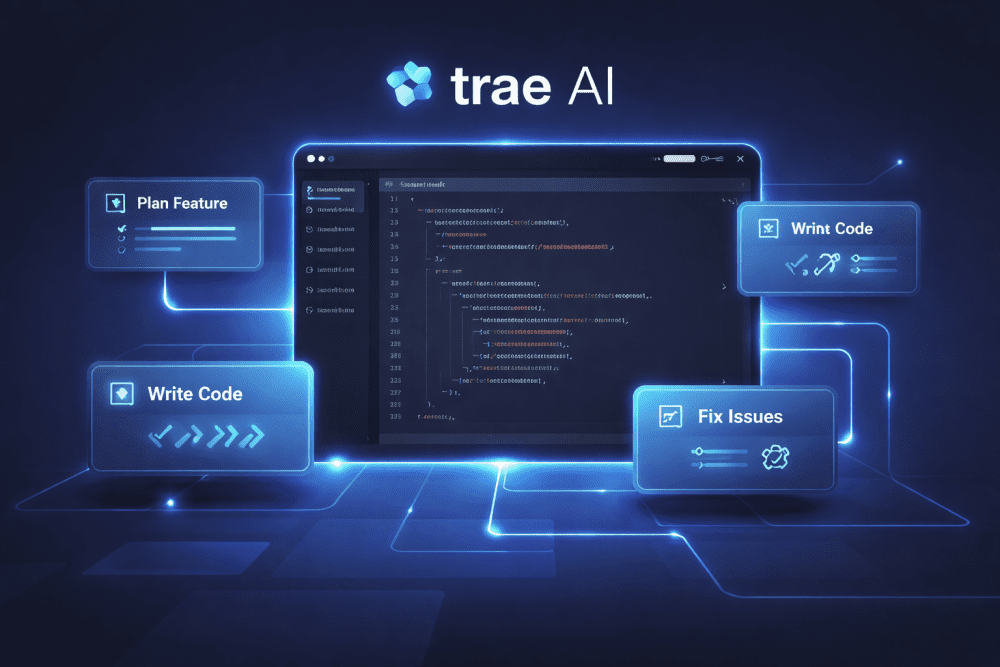
Trae AI is not just another AI coding assistant. It is an agentic IDE, meaning it doesn’t just suggest code—it executes tasks.
Core Concept:
Instead of:
“Help me write this function”
You can say:
“Build this feature, test it, and optimize it”
And Trae:
- Breaks the task into steps
- Writes the code
- Runs checks/tests
- Iterates automatically
This is called task decomposition + autonomous execution.
Key Features of Trae IDE (2026)
1. Agent-Based Task Execution
- Converts prompts into structured workflows
- Executes multi-step development tasks
- Reduces manual coding effort
2. Built-in Task Breakdown Engine
- Splits large problems into smaller actionable units
- Ideal for beginners and productivity-focused devs
3. Context-Aware Coding
- Understands full project structure
- Maintains memory across files
4. Automated Debugging & Refactoring
- Identifies issues
- Suggests and applies fixes automatically
5. Natural Language Development
- Write requirements in plain English
- Trae converts them into working code
Trae IDE vs Cursor (2026 Comparison)
| Feature | Trae AI | Cursor |
|---|---|---|
| Core Approach | Agentic (does tasks) | Assistive (helps you code) |
| Task Execution | Autonomous | Manual |
| Workflow Automation | High | Medium |
| Learning Curve | Moderate | Easy |
| Best For | Productivity & automation | Code completion & edits |
Verdict:
- Choose Trae IDE → if you want automation
- Choose Cursor → if you want assistance
Why Developers Are Switching to Trae IDE
1. Time Efficiency
Developers report:
- Faster feature development
- Reduced debugging time
2. “Do It For Me” Workflow
Instead of writing code line-by-line, Trae handles:
- Boilerplate
- Repetitive tasks
- Testing cycles
3. Better for Non-Experts
Beginners can:
- Build projects faster
- Learn by observing AI-generated workflows
Trae IDE Use Cases
1. Full-Stack Development
- Build APIs
- Generate frontend components
- Connect databases
2. Rapid Prototyping
- MVP creation in hours instead of days
3. Automation Scripts
- Write scripts for workflows, scraping, or DevOps
4. Debugging Large Codebases
- Quickly identify and fix issues
How to Get Started with Trae IDE
Step-by-Step:
- Search for “Trae AI download”
- Install the IDE
- Connect your project repo
- Start with a simple prompt:
- “Create a login system with validation”
Limitations of Trae AI
No tool is perfect. Here’s where Trae still struggles:
- Over-automation can reduce control
- Requires clear prompts
- May generate inefficient code occasionally
- Still evolving ecosystem
Final Verdict: Is Trae AI Worth It?
Yes — if your goal is automation and speed.
Trae AI represents the next evolution of development:
From assisted coding → to autonomous building
If Cursor was the first wave,
Trae is the second wave.
FAQs:
1. Is Trae AI free?
Trae AI typically offers a freemium model with paid advanced features.
2. Is Trae better than Cursor?
It depends:
- Automation → Trae
- Simplicity → Cursor
3. Can beginners use Trae AI?
Yes, especially for learning through AI-generated workflows.
4. What makes Trae AI unique?
Its agent-based task execution, not just code suggestions.