In 2026, building a frontend is no longer about writing JSX from scratch. It’s about prompt-to-app workflows, generative UI systems, and what developers now call vibe coding.
At the center of this shift is Vercel’s browser-based AI UI generator, v0.dev.
This guide goes beyond “generate a button with Tailwind.” It shows how to move from prompt → UI → backend → deployment, while addressing the real-world production gaps most tutorials ignore.
Related Blogs:
What is v0.dev in 2026?
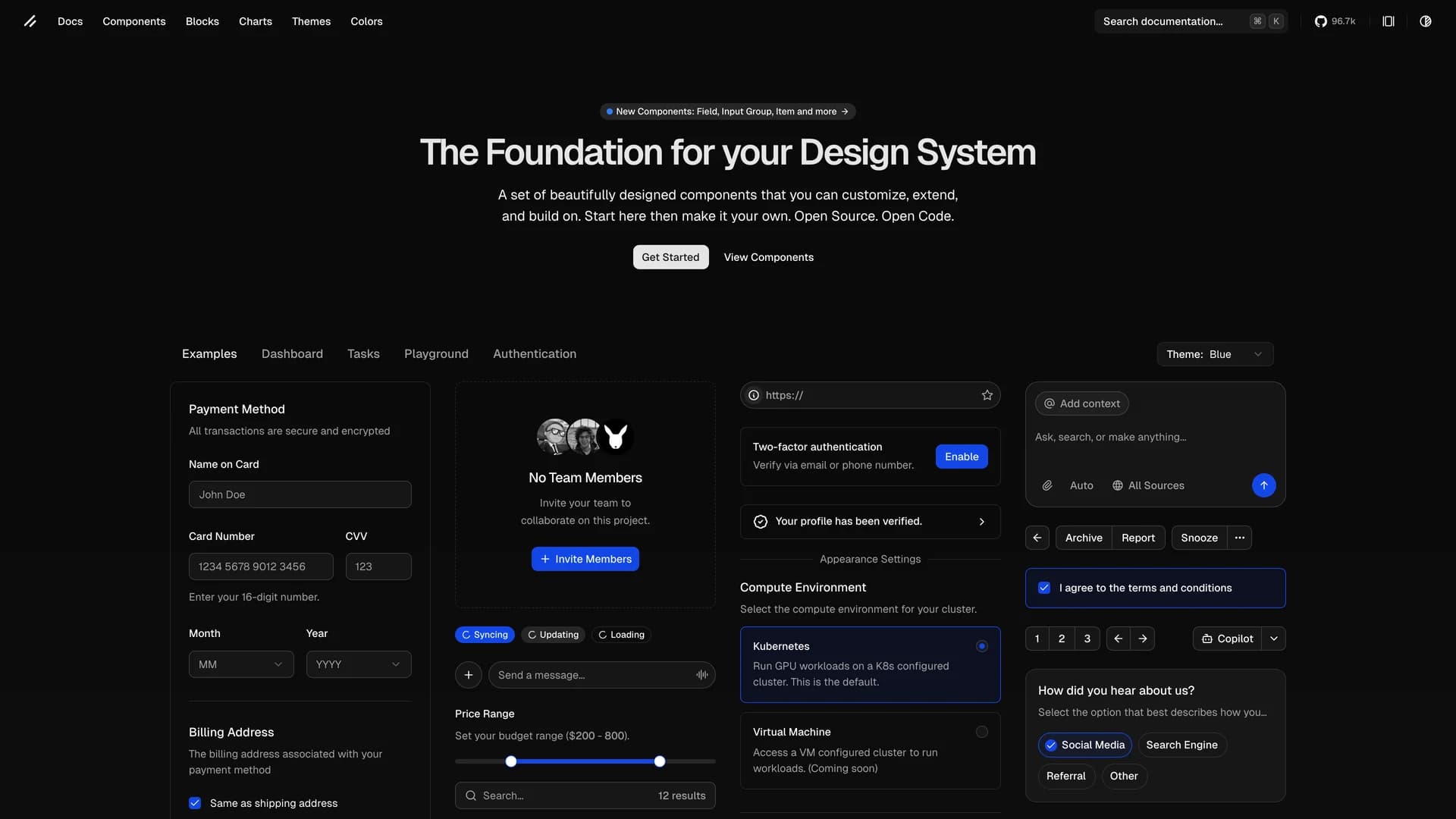
v0.dev is an AI-powered UI generator that converts natural language prompts into production-ready React + Tailwind + shadcn/ui components.
Under the hood, it:
- Generates React components
- Uses Tailwind CSS
- Integrates Lucide icons
- Follows accessibility best practices
- Exports clean, editable code
Unlike simple code snippets, v0 focuses on design-consistent component scaffolding.
The Rise of “Vibe Coding”

Traditional Coding (Pre-2024)
- Manual layout design
- Reusable component architecture
- Styling iterations
- Pixel-level debugging
Vibe Coding (2026)
- Describe outcome in natural language
- Iterate through prompts
- Refine structure conversationally
- Ship faster
The developer’s role shifts from “syntax author” to system architect + prompt engineer.
v0.dev vs Bolt.new vs Replit Agent
| Feature | v0.dev | Bolt.new | Replit Agent |
|---|---|---|---|
| Focus | UI Generation | Full-stack in browser | Agentic coding |
| Stack Bias | React + Tailwind | Framework flexible | Multi-language |
| Designer Workflow | Strong | Moderate | Moderate |
| Backend Generation | Limited | Stronger | Strong |
| Learning Curve | Low | Medium | Medium |
Key takeaway:
- Choose v0 for fast, polished UI scaffolding.
- Choose Bolt.new for browser-native full-stack builds.
- Choose Replit Agent for deeper agent-driven automation.
Figma → v0 → Vercel Pipeline (Designer-to-Production)

Step 1: Export UI Structure from Figma
Break your layout into:
- Header
- Hero
- Feature grid
- Pricing section
- CTA
Step 2: Prompt v0.dev
Example:
“Generate a SaaS landing page hero with gradient heading, feature cards, pricing section, and responsive navbar using shadcn/ui.”
Refine iteratively:
- Add animations
- Improve spacing
- Adjust typography scale
Step 3: Move to Next.js Project
Copy code into a Next.js environment.
Step 4: Deploy with Vercel
Deploy instantly on Vercel’s platform.
You now have:
Prompt → Code → Live URL in under 20 minutes.
The “Last Mile” Problem (Most Blogs Ignore This)

Most tutorials stop at UI generation.
But real SaaS needs:
- Authentication
- Database
- API routes
- Hosting logic
Can v0 generate backend code?
Partially.
It can scaffold:
- Next.js API routes
- Form handlers
- Client fetch logic
But for production systems, you integrate with:
- Supabase
- Prisma
- PlanetScale
- Firebase
This is where full-stack scaffolding tools may outperform pure UI generators.
Best v0 Prompts for Advanced Builds
Here are high-performing prompt structures:
1. Complex Dashboard
“Create a SaaS analytics dashboard with sidebar navigation, chart components, and dark mode toggle using shadcn/ui.”
2. Auth Page
“Generate a login/signup split-screen UI with validation states and error messaging.”
3. Admin CRUD Panel
“Build a responsive admin table with pagination, filters, and modal form editing.”
The key is specificity:
- Mention framework
- Mention design system
- Mention responsiveness
- Mention states (hover, loading, error)
SEO for v0-Generated Apps (2026)

Many assume AI-generated UI harms SEO.
In reality:
- Clean semantic HTML improves crawlability
- Tailwind does not hurt performance
- React hydration must be optimized
Checklist for Core Web Vitals:
- Use server components where possible
- Optimize images
- Lazy-load heavy UI blocks
- Minimize client-side JavaScript
AI-generated does not mean SEO-compromised.
v0.dev Pricing vs Cursor Pro (2026)
- v0.dev: ~$20/month (UI-focused)
- Cursor Pro: Code-level AI editing
- Bolt.new: Full-stack browser builder
Choose based on:
- Are you UI-first?
- Or building full SaaS inside the browser?
Limitations of v0.dev
- No native database integration
- Requires manual project integration
- Not ideal for non-React stacks
- Prompt quality determines output
It accelerates, but does not replace architecture thinking.
Frequently Asked Questions
Can v0 generate Next.js API routes?
Yes, basic scaffolding — but complex logic needs manual refinement.
How do you add backend to v0 projects?
Export code → integrate with Supabase/Prisma → deploy.
Is v0 better than Bolt.new?
For UI polish: Yes.
For full-stack autonomy: Not always.
Is vibe coding the future?
It’s not replacing developers — it’s increasing abstraction layers.
Final Verdict: Should You Use v0.dev?
If you:
- Build SaaS landing pages
- Need UI prototypes fast
- Want consistent design systems
- Work with React/Tailwind
Then v0.dev is a major productivity multiplier.
If you:
- Need heavy backend logic
- Use non-React stacks
- Prefer CLI-first workflows
You may prefer agent-based IDE systems.