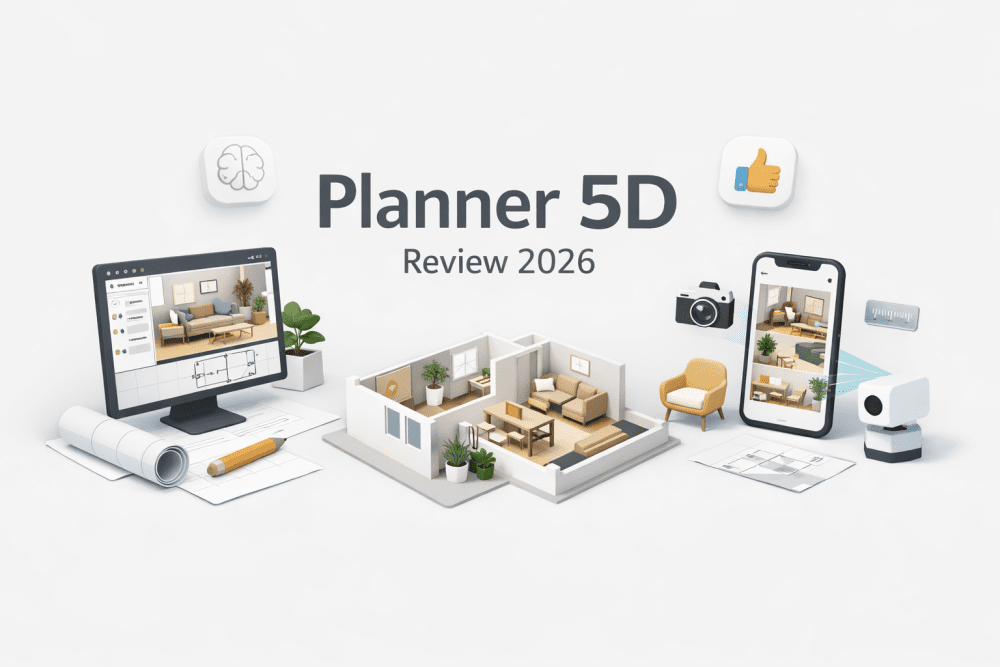
What is Planner 5D?
Planner 5D is a beginner-friendly 2D/3D home design tool that allows users to create floor plans, design interiors, and generate realistic renders using AI-powered features like auto-furnishing and room recognition. It works on web, mobile, and desktop, making it accessible for both casual users and aspiring designers in 2026.
Related blogs:
Planner 5D Review 2026: Hands-On Experience
In 2026, home design tools are no longer just “drawing apps.” They are AI-powered visualization systems. After testing Planner 5D extensively, here’s what stands out:
✔ What Works Really Well
- Extremely beginner-friendly UI (drag-and-drop simplicity)
- Fast 3D rendering engine for realistic interiors
- AI floor plan recognition from sketches
- Massive furniture & decor library
- Cross-platform support (Web, iOS, Android, Windows)
✖ Where It Struggles
- The web version can lag on mid-range laptops after extended usage
- Limited precision compared to professional tools
- Some premium assets are locked behind the Pro plan
Planner 5D Pro vs Free (2026)
| Feature | Free Plan | Pro Plan |
|---|---|---|
| 2D/3D Floor Planning | ✔ | ✔ |
| Basic Furniture Library | ✔ | ✔ |
| Advanced Furniture & Textures | ✖ | ✔ |
| High-Quality Renders | Limited | Full Access |
| AI Features (Auto Design, Recognition) | Partial | Full |
Verdict:
- Free plan → Great for beginners and casual users
- Pro plan → Worth it if you want realistic renders + full customization
Key Feature Breakdown (2026 Trends Focus)
1. AI Floor Plan & Sketch-to-3D

Planner 5D now allows you to:
- Upload a rough sketch → Convert to fully editable 3D model
- Use LiDAR scanning (mobile) to map real rooms
This is huge for:
- Real estate visualization
- Interior redesign projects
- Students learning spatial planning
2. Realistic Interior Design (Warm Minimalism & Biophilic Trends)
Planner 5D excels in visualizing 2026 trends like:
- Warm Minimalism (neutral tones + textures)
- Biophilic Design (plants, natural light)
- Smart Home Layouts
You can:
- Test color palettes instantly
- Experiment with lighting setups
- Preview furniture before buying
3. Cross-Platform Flexibility
- Start design on mobile → continue on desktop
- Cloud sync ensures no data loss
- Works well for quick edits on the go
Planner 5D vs Competitors (2026 Comparison)
| Feature | Planner 5D | SketchUp | Coohom |
|---|---|---|---|
| Ease of Use | ⭐⭐⭐⭐⭐ | ⭐⭐ | ⭐⭐⭐ |
| Rendering Quality | ⭐⭐⭐⭐ | ⭐⭐⭐⭐ | ⭐⭐⭐⭐⭐ |
| AI Features | ⭐⭐⭐⭐ | ⭐⭐ | ⭐⭐⭐⭐ |
| Beginner Friendly | ⭐⭐⭐⭐⭐ | ⭐⭐ | ⭐⭐⭐ |
Insight:
- Choose Planner 5D → If you’re a beginner or content creator
- Choose SketchUp → If you need precision modeling
- Choose Coohom → If rendering realism is your priority
How to Create a 3D Floor Plan (Step-by-Step)
- Open Planner 5D
- Select “New Project”
- Choose:
- Empty layout OR
- Upload sketch
- Draw walls in 2D mode
- Add furniture & textures
- Switch to 3D mode
- Render final design
Planner 5D Alternatives (2026)
If Planner 5D doesn’t fit your needs:
- SketchUp → Professional modeling
- Coohom → Ultra-realistic rendering
- HomeByMe → Balanced alternative
- Roomstyler → Quick browser-based design
Is Planner 5D Really Free?
Yes—but with limitations.
- Free version is usable for:
- Basic layouts
- Simple designs
- Paid version unlocks:
- Full catalog
- HD renders
- Advanced AI tools
Quick Verdict:
Use Planner 5D if:
- You’re a beginner
- You want fast, visual results
- You care about ease of use
Avoid if:
- You need CAD-level precision
- You’re working on complex architecture
Final Thoughts
Planner 5D remains one of the best AI home design tools in 2026, especially for beginners and content creators. While it doesn’t replace professional software, it dominates in accessibility + speed + visual output.
Its biggest strength isn’t just features—it’s how quickly it lets you turn ideas into reality.
FAQs:
1. Is Planner 5D good for beginners?
Yes. It’s one of the easiest home design tools available.
2. Can I use Planner 5D offline?
Partially. Desktop apps support limited offline use.
3. Is Planner 5D better than SketchUp?
For beginners → Yes
For professionals → No
4. Does Planner 5D use AI?
Yes. It includes:
- AI floor plan recognition
- Auto design suggestions